Channels
This channel is private or has been deleted. Its details are hidden. You can unsubscribe.
Connecting…
Only on this device
…
Playlist
A playlist for your group
Bring your phones together for picnic music.
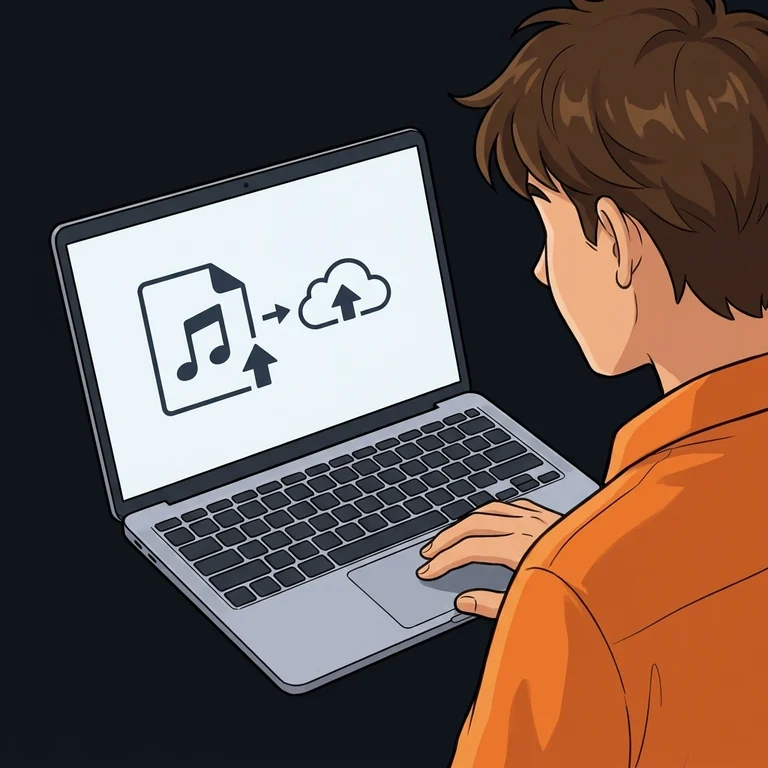
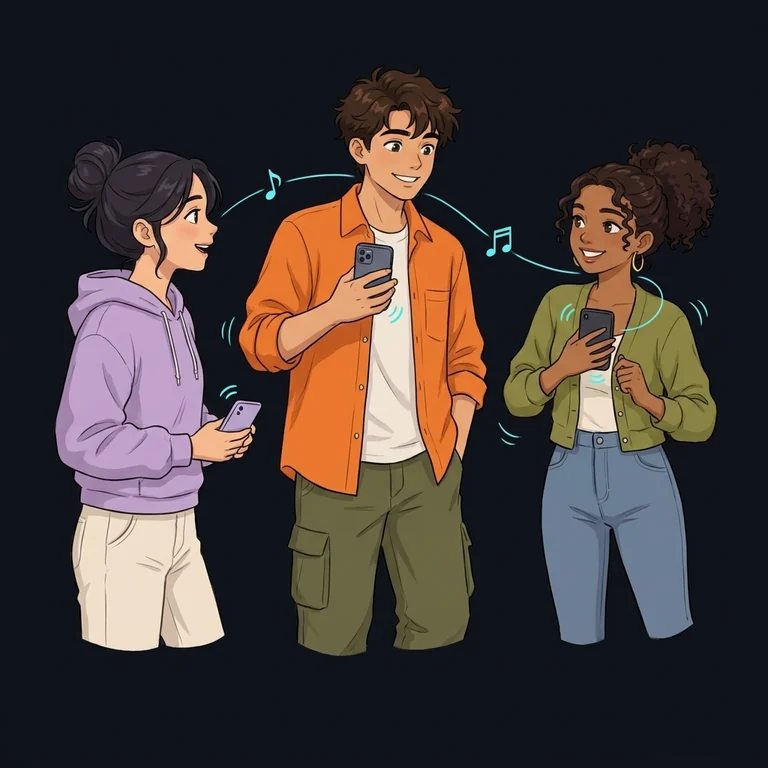
Upload your music and invite friends with a link: the phones play in sync, like one sound system. You control the playlist.
How it works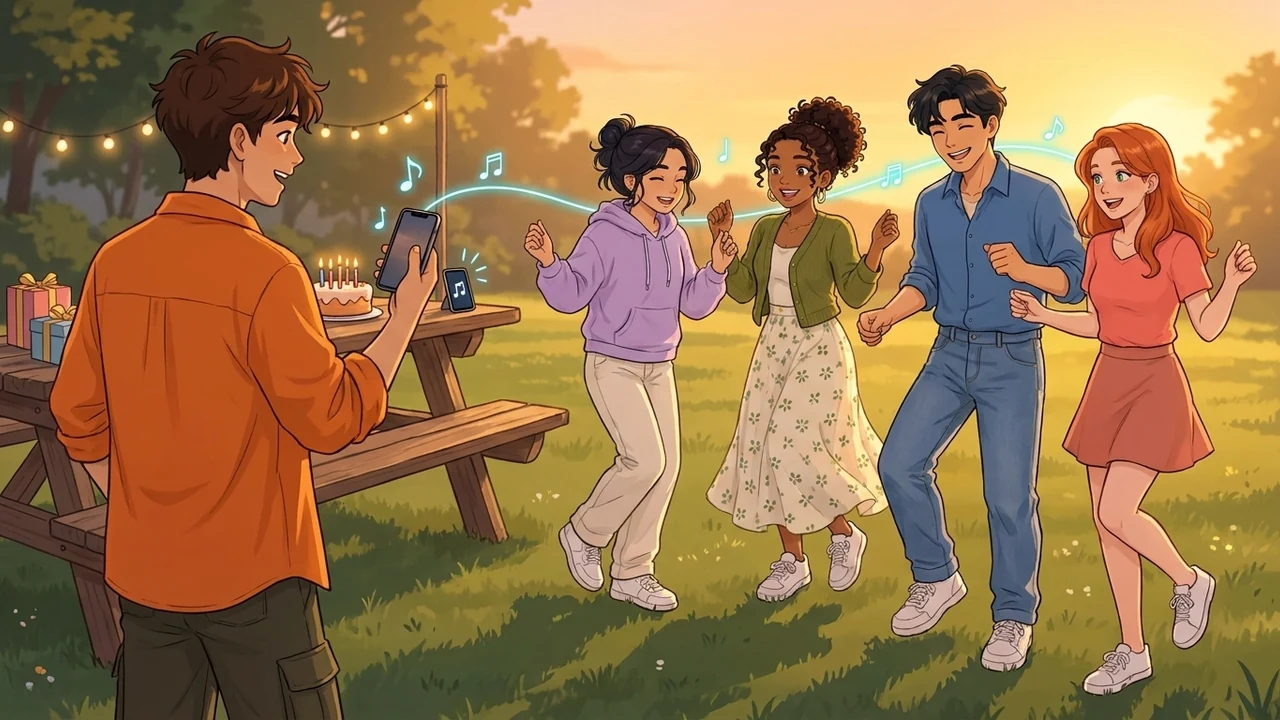
Add your music
Invite friends
Turn on your speakers
At the park, in the yard, at camp
A picnic in the park
Place your phones around the picnic blanket and open the same channel. Everyone turns on their speaker, with one shared song queue.
A birthday in the yard
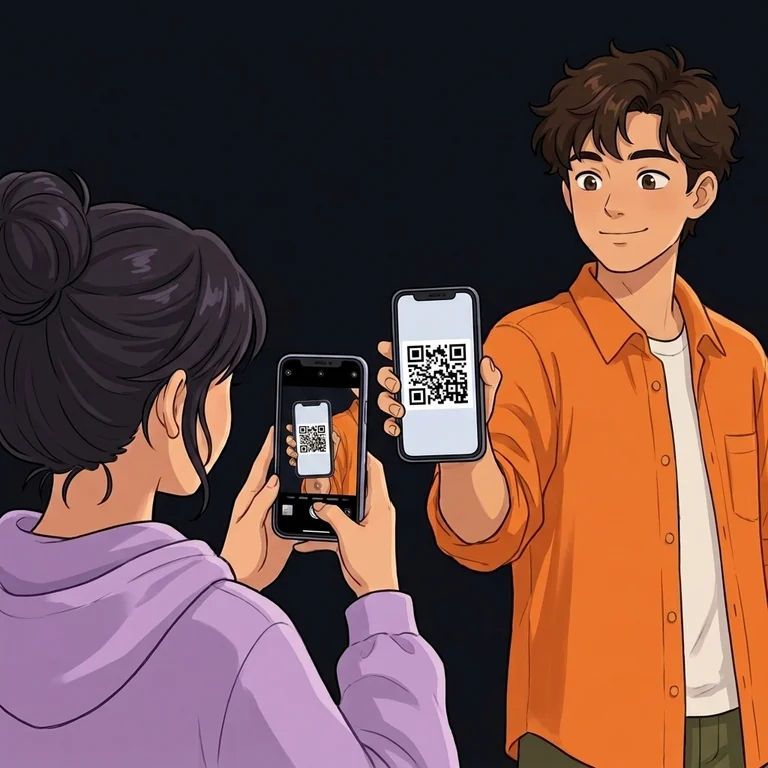
Prepare the party music and show guests your QR code. Add tracks and pause the shared playlist from your device.
An evening at camp
If your campsite has internet access, gather your phones around the table. Friends arriving later can open the link and join the current song.
Before you head out
Will the music play without a connection?
Every phone needs mobile data or Wi-Fi. Uploading the playlist in advance does not make playback work offline, so check the connection at your destination.
Do we need a separate speaker?
You can use the phones’ built-in speakers. Play synchronizes playback, but the devices and their spacing affect what you hear; Bluetooth adds its own delay.
How do I keep the music within our group?
After choosing files, select Stream privately. A regular link or QR code lets friends request access; a one-time invitation grants access directly. Choose Stream publicly for an open channel.
Where does the picnic music come from?
Use your own audio files from your device. Spotify and YouTube links cannot be imported.
Do I need to register before starting?
No, you can start with a guest profile without filling in an account form. Choosing files does not create a channel; creation and uploading begin when you select a private or public stream.
Only upload content you have permission to share.