Channels
This channel is private or has been deleted. Its details are hidden. You can unsubscribe.
Connecting…
Only on this device
…
Playlist
Music on multiple phones
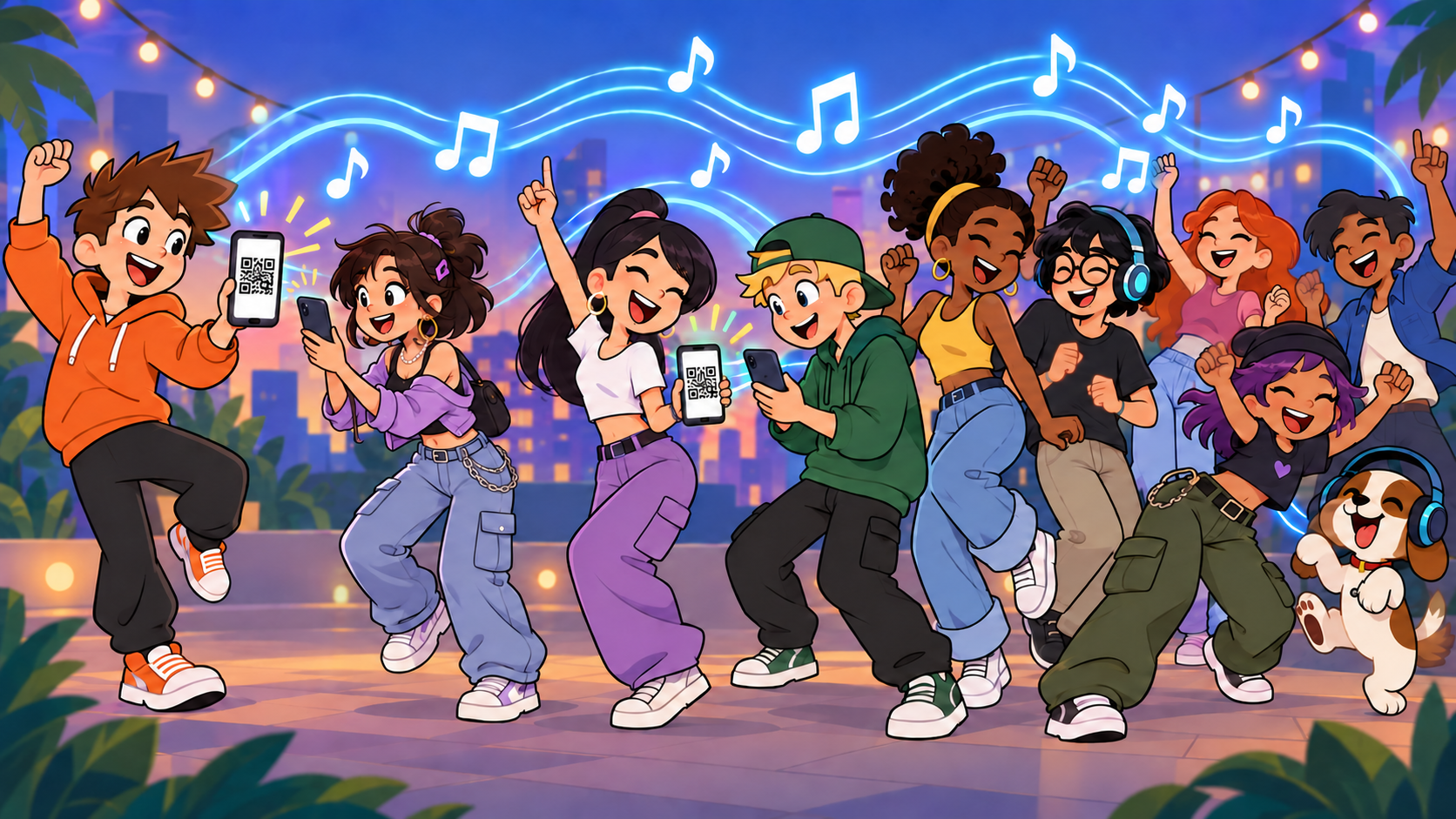
Turn your phones into a shared sound system.
Upload music, invite friends with a link, and turn on your speakers. Play keeps the phones in sync so they can sound like one system.
How it works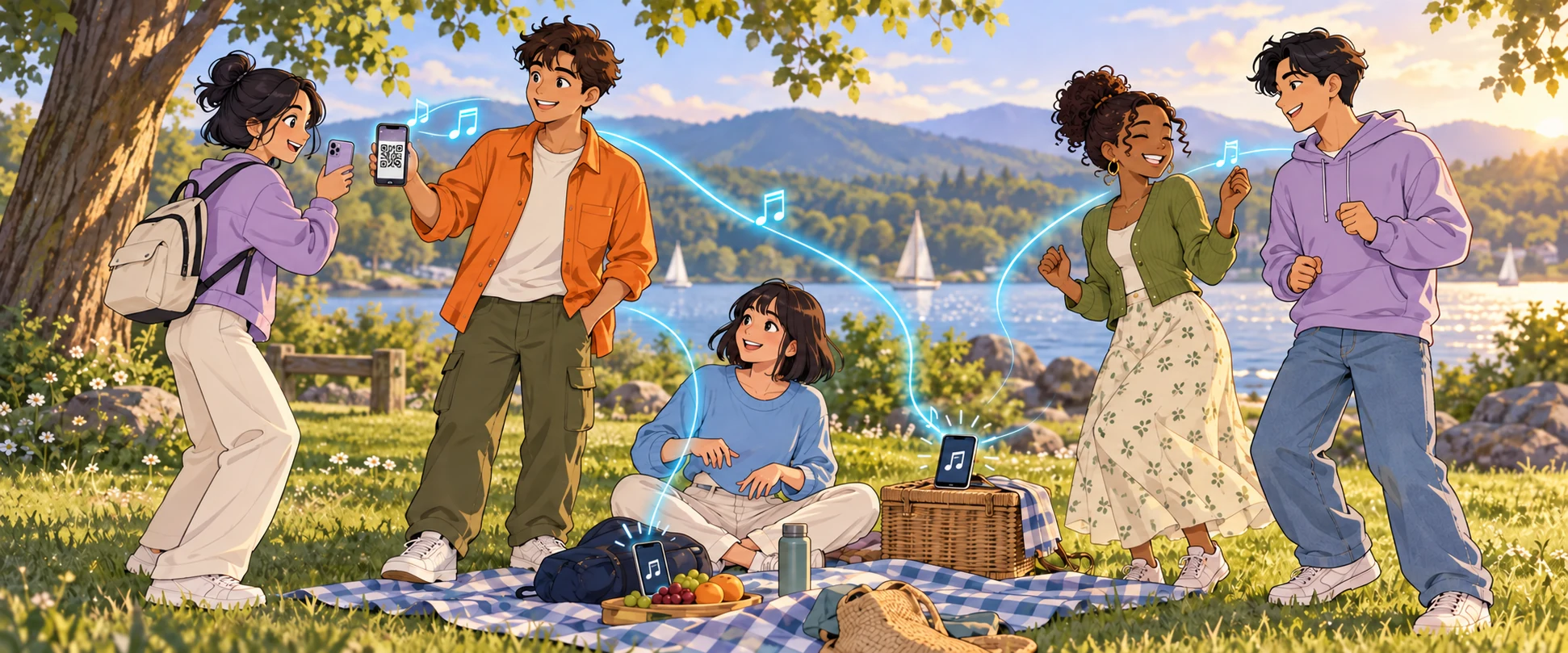
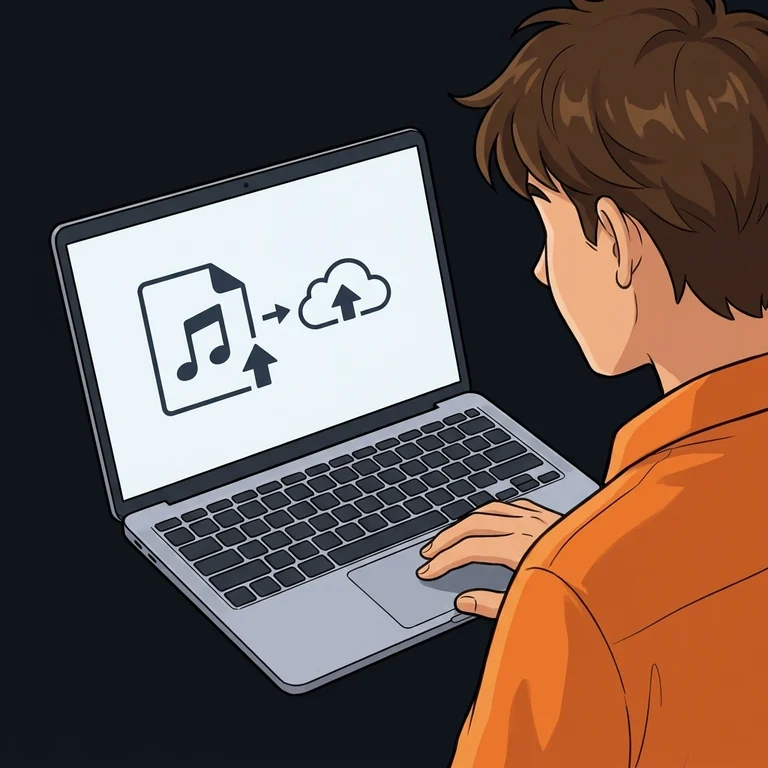
Add your music
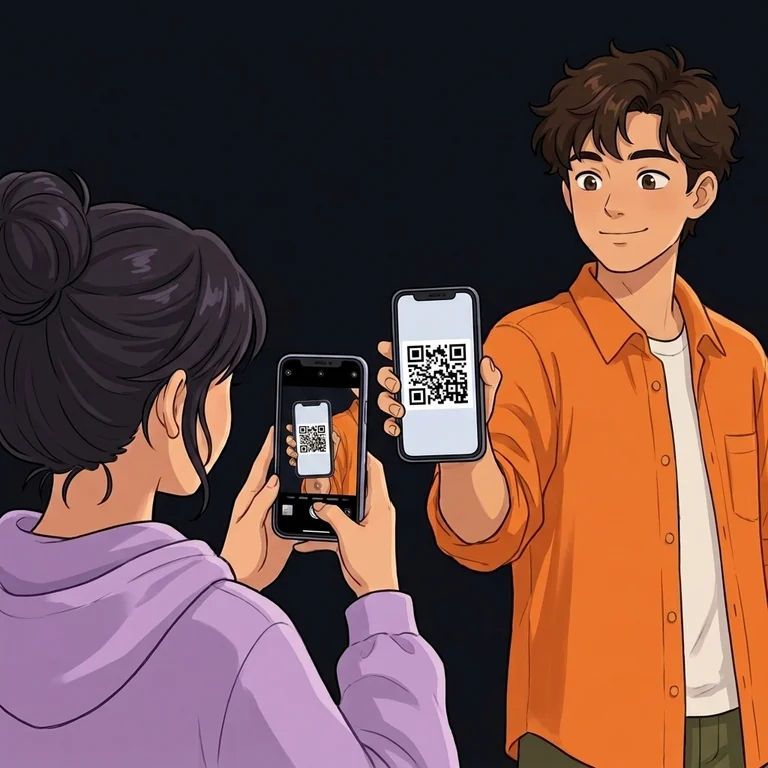
Invite friends
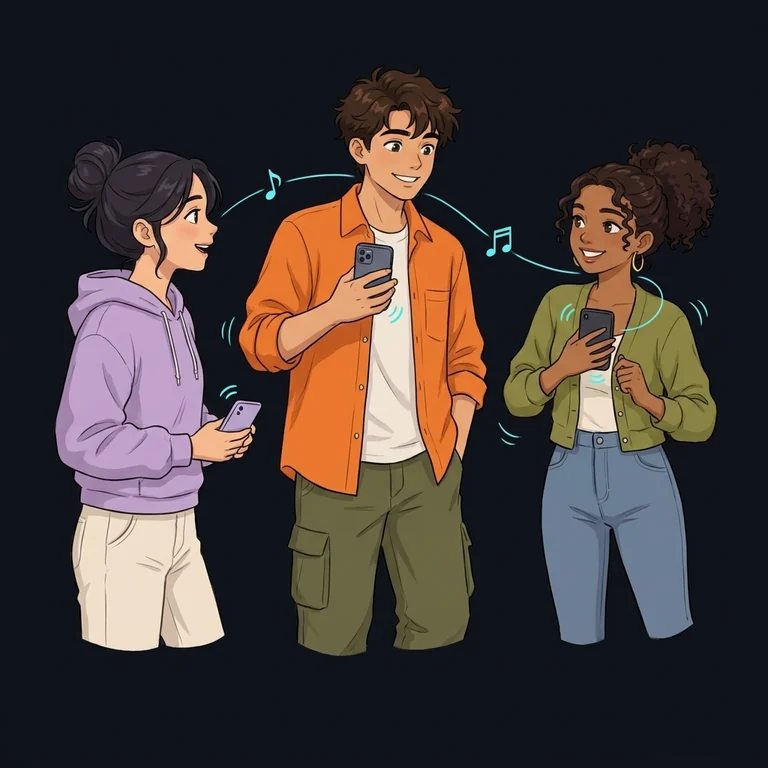
Turn on your speakers
At home, outside, wherever you meet
A house party
Put a laptop in the living room and a phone in the kitchen. Join the same channel on both: music plays across the apartment, and you can change songs from one device.
After school or at camp
Hanging out together? Turn on your phone speakers and play a shared playlist. A friend arrives late, opens the link, and joins the exact part of the song everyone else is hearing.
A picnic or birthday
Upload your music before the trip, then share the link when you get there. The playlist repeats automatically. Every phone needs internet access; mobile data works too.
The practical details
How accurate is the sync?
In a controlled test of two browsers on one computer, the digital audio difference, including measurement uncertainty, stayed within 7.5 ms — 0.0075 seconds. This test did not measure sound from phone speakers.
Play keeps adjusting playback while the music runs. Start with built-in speakers for shared sound: Bluetooth adds its own delay.
Who controls the music?
The channel owner builds the queue, changes tracks and pauses playback for everyone. Listeners control their own sound: they can change their volume or disconnect.
What can I upload?
Audio files from your device: MP3, WAV, FLAC and other supported formats. A .play.zip package combines up to 16 stems into one composition up to 8 minutes 44 seconds long; each device can choose its own instruments. Up to 200 files at a time, up to 100 MB per audio file or package. Spotify and YouTube link imports are not available yet.
How do I keep it private?
Choose a private stream. Approve friends’ join requests or send a one-time invitation: it grants one person access directly and expires after 24 hours if unused.
Do we need the same Wi-Fi network?
No. Phones can use different Wi-Fi networks or mobile data. Each device receives the music over the internet, so this does not work offline.
Why doesn’t sound start automatically?
Your browser may require a tap before the first sound. Tap the speaker button in the channel to join the current part of the song.
Only upload content you have permission to share.