
Channels
This channel is private or has been deleted. Its details are hidden. You can unsubscribe.
Connecting…
Only on this device
…
Playlist
One channel, several screens
Watch the same video together.
Upload your video and wait for preparation. Share a link or QR code: Play synchronizes viewing so everyone watches the same moment on their own screen.
How it worksOnly upload content you have permission to share.
Up to 1 hour · up to 2 GiB

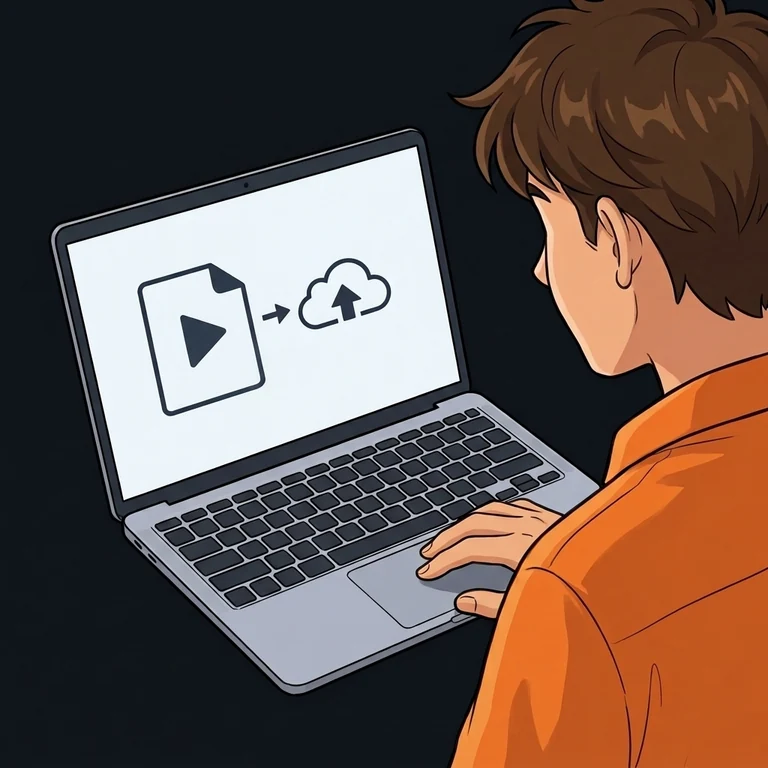
Add your video
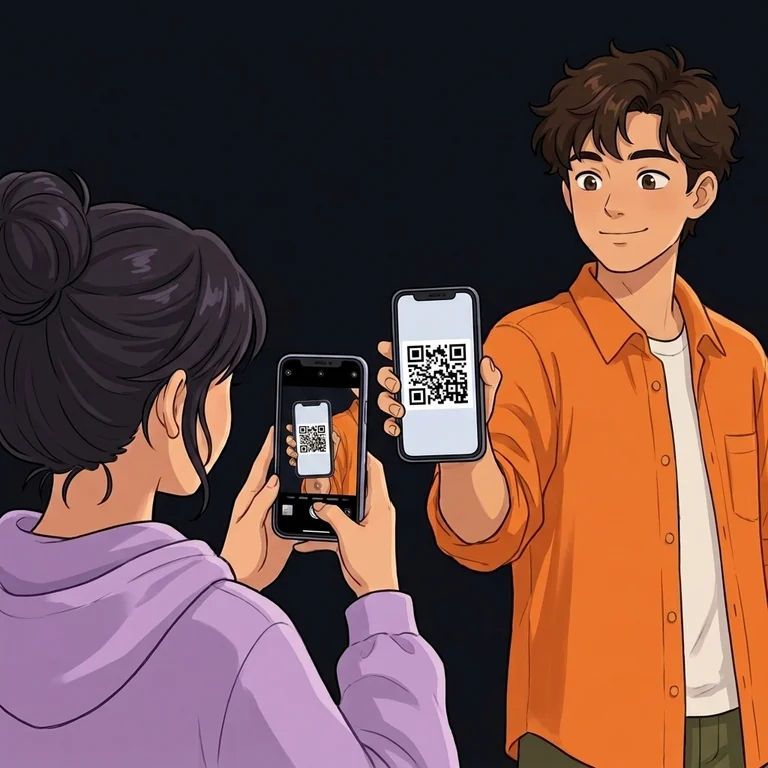
Invite friends

Watch together
For family, teammates and friends
Family videos from afar
Upload a recording from a celebration or trip and send the link to your family. The channel owner chooses the video, and everyone else joins the shared viewing.
Review a training session
Open your recording for the team. Shared pause and seeking let you stop at the same moment for everyone.
A short film with friends
Prepare your video file and invite friends to a private channel. Watch on different devices without sending a separate copy to each person.
Before watching
Which videos can I add?
MP4, WebM, MOV, MKV and AVI are supported, up to 2 GiB and one hour per file. Each video must upload and finish preparation before viewing.
How do I start and let friends join?
Choose a file and select Stream privately or Stream publicly; guest access does not require registration. A public link or QR code opens the channel; a private one opens an access request. A one-time invitation grants access directly.
Does every viewer need internet access?
Yes, every device receives the video over the internet. You can use different networks; a weak connection can interrupt video and audio delivery.
Who controls pause and seeking?
The channel owner controls shared pause, seeking and the queue. Play adjusts synchronization during viewing; viewers turn on their own sound and choose their volume.
Can I just paste a YouTube link?
Not yet. Shared viewing needs a video file from your device; this page does not import videos through links to video services.
Only upload content you have permission to share.